
Adobe Photoshop
Strengths
- Industry-standard PSD workflows
- Deep Creative Cloud integration
- Advanced compositing and retouching
- Large plugin/tutorial ecosystem
Tradeoffs
- Recurring subscription
- Can feel heavy for simple work
Design & Photo comparison
Best for: Professional Adobe workflows
Best for: Independent creators and value
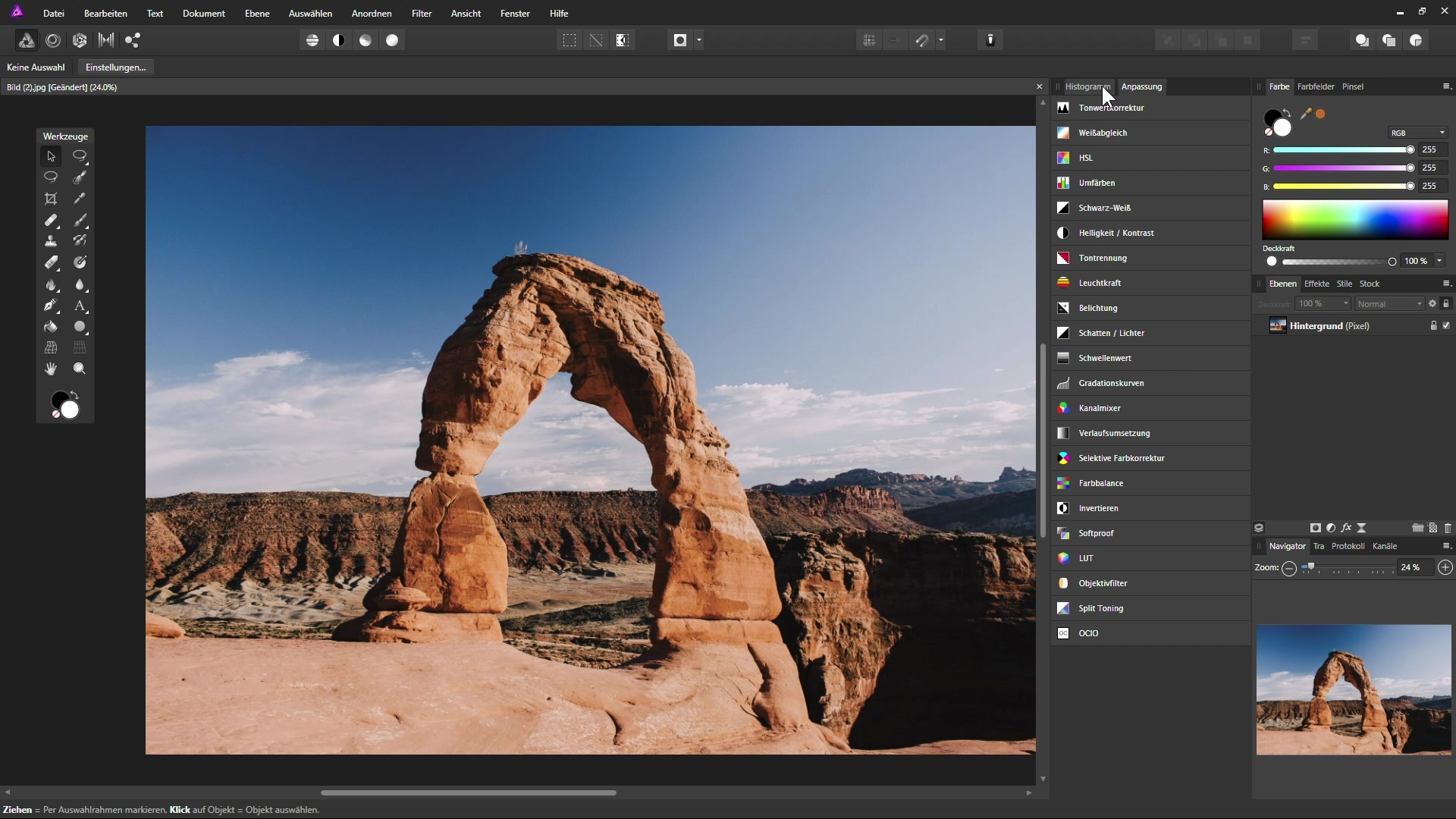
Choose Photoshop for the deepest professional ecosystem, collaboration compatibility and Adobe-integrated workflows. Choose Affinity Photo when you want a powerful professional editor without an ongoing software subscription.
Use this as a workflow decision, not a popularity contest.
If you collaborate in Adobe-heavy environments, exchange PSD files constantly, or depend on Creative Cloud integrations.
If you want serious photo and raster-editing power without building your workflow around a recurring software subscription.
Not convinced by either option? Use the full Vault to find alternatives in the same creative field.